Shopping Cart
Please login to view your cart
Login
Please login to view your cart
Login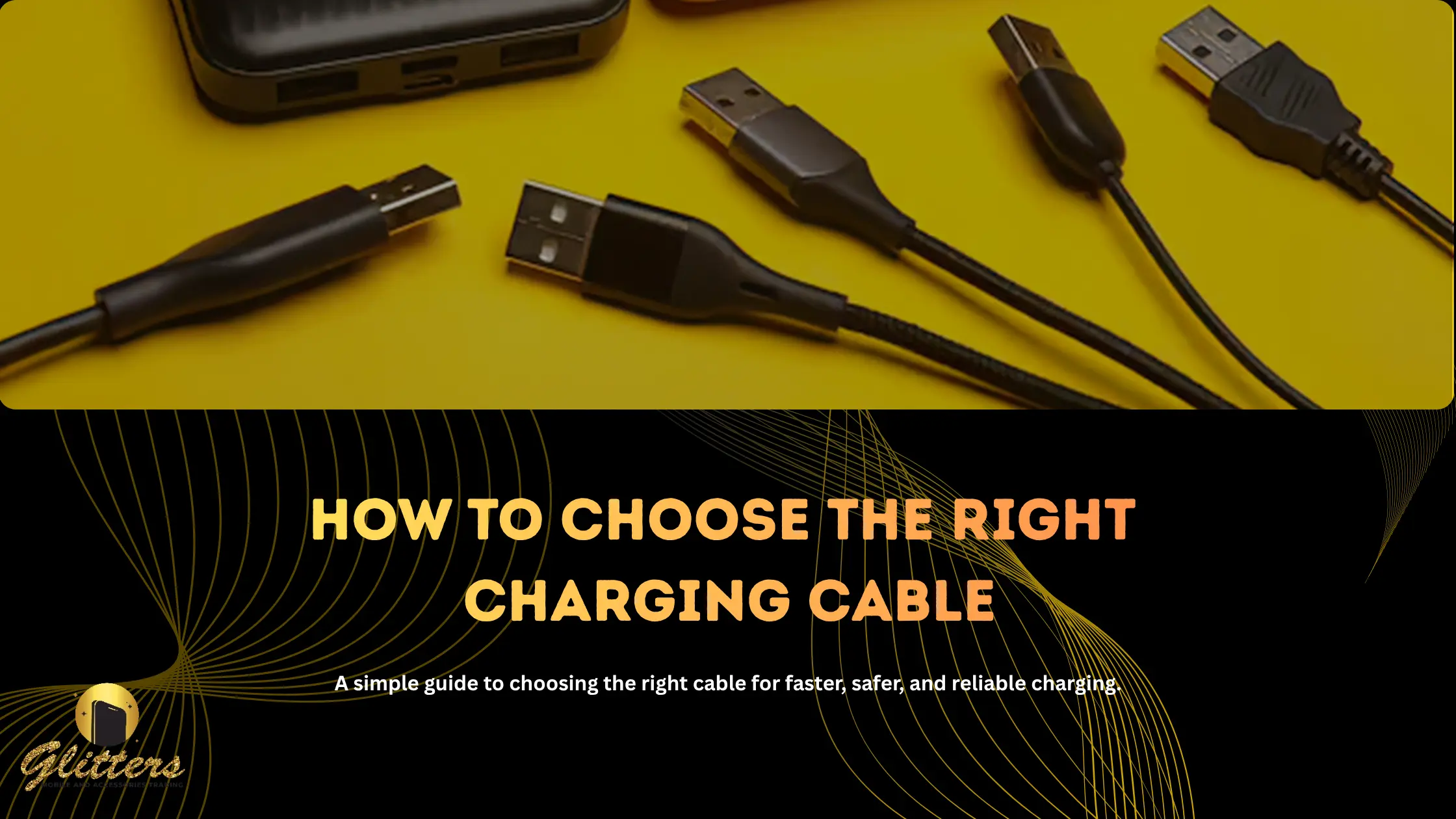
Walk into any store - or scroll any online shop - and you'll find dozens of cables that all promise to be "the best." Some are dirt cheap. Some claim lightning-fast charging speeds. Some look sturdy and some look like they'll fray in a week. So how do you actually pick the right one?
The truth is, a charging cable isn't just a cable. It's the difference between a phone that charges in 30 minutes and one that takes two hours, between a cable that lasts two years and one that dies in two months, and - in worst cases - between safe charging and a fire hazard. Here's what actually matters when choosing one.
This sounds obvious, but it's the most common mistake people make. Before anything else, confirm which connector your device actually needs:
If you're buying a cable as a gift or for a household with mixed devices, a multi-connector cable (USB-C to USB-C, USB-C to Lightning, etc.) can save you from buying three different cables.
Not all cables that "fit" your port will charge at the same speed. A cable might physically plug in but bottleneck your charging speed to a fraction of what your phone and charger can actually do.
Look for:
If your phone supports 45W fast charging but your cable only handles 18W, you're leaving speed on the table - no matter how good your charger or wall adapter is.
Cables usually fail at the same two points: near the connector head and at the point where the cable bends most (like right where it plugs into your phone). When comparing options, check for:
A slightly more expensive, well-built cable is almost always cheaper in the long run than replacing a flimsy one every few months.
This is easy to overlook, but the right length depends entirely on how you'll use the cable:
Buying based on length alone can be just as frustrating as buying the wrong connector — a beautiful cable that doesn't reach the plug isn't useful to anyone.
This one matters more than people realize. Cheap, uncertified cables can overheat, deliver inconsistent power, or in rare cases, damage your device's battery or charging port over time. When possible, check for:
If a cable is priced far below every other option for the same specs, it's worth asking why.
A great cable paired with a weak charger — or vice versa — won't give you the results you expect. If you've invested in a fast charger, make sure your cable can actually carry that power output. Similarly, if you use a wireless charging pad or car charger, double check the cable that comes with them meets your speed and durability needs, or consider swapping it for one that does.
Choosing the right charging cable isn't about buying the most expensive option - it's about matching connector, speed, durability, and length to how you actually use your devices. Get those four right, and you'll spend a lot less time replacing cables and a lot more time just charging and going.
Ready to stop guessing and start charging faster? Browse Glitters' Mobile UAE full range of certified, fast-charging cables built for every device - and never deal with a frayed cable again.

Contact us 24 hours a day

You have 30 days to Return

We ensure secure payment